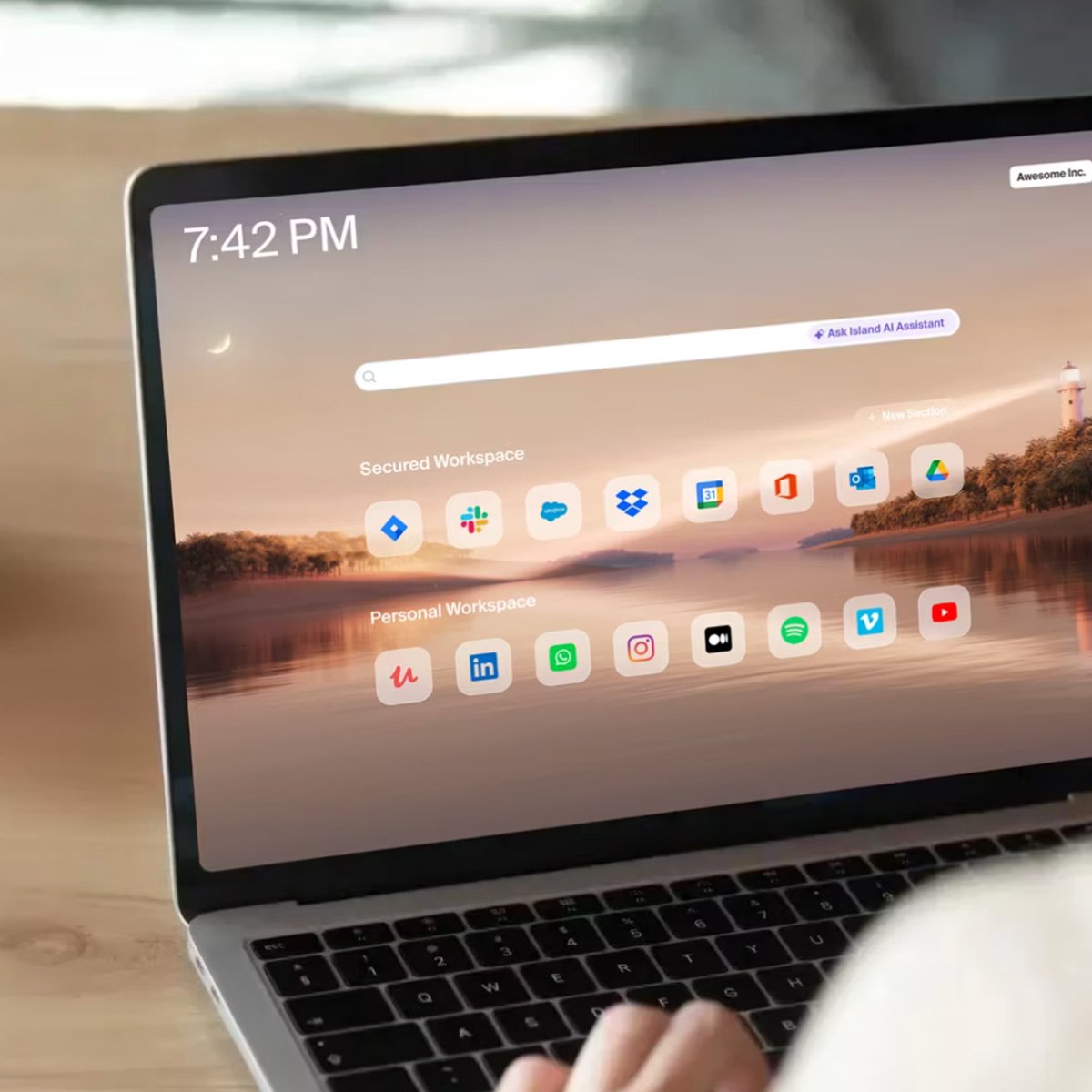
A browser built for work
How Island Fits into Your Day
- One approved way in
Everyone signs in the same way, every time, on any device.
- Work stays in company places
Keep business files in your systems, even when people use personal machines.
- Same experience everywhere
Office desktop, home laptop, or shared computer all feel the same.
- Yes to contractors and BYOD
Extend access without installing monitoring tools on personal devices.
- Easy to start
A small pilot shows the experience with your apps in days.
Outcome example: A 180-person services firm cut remote access costs by 40% and started same-day contractor onboarding.
Ask your IT provider about a quick pilot.
What Matters to Business Leaders
- Reduce business risk
Safer access for office, home, and on the road with rules that match how you run.
- Control technology spend
Delay hardware refreshes, trim software bloat, and simplify what you manage.
- Speed up staffing changes
Get new staff and outside contractors productive fast and remove access just as fast.
- Cut everyday friction
Fewer “it doesn’t work on my computer” moments so people keep moving.
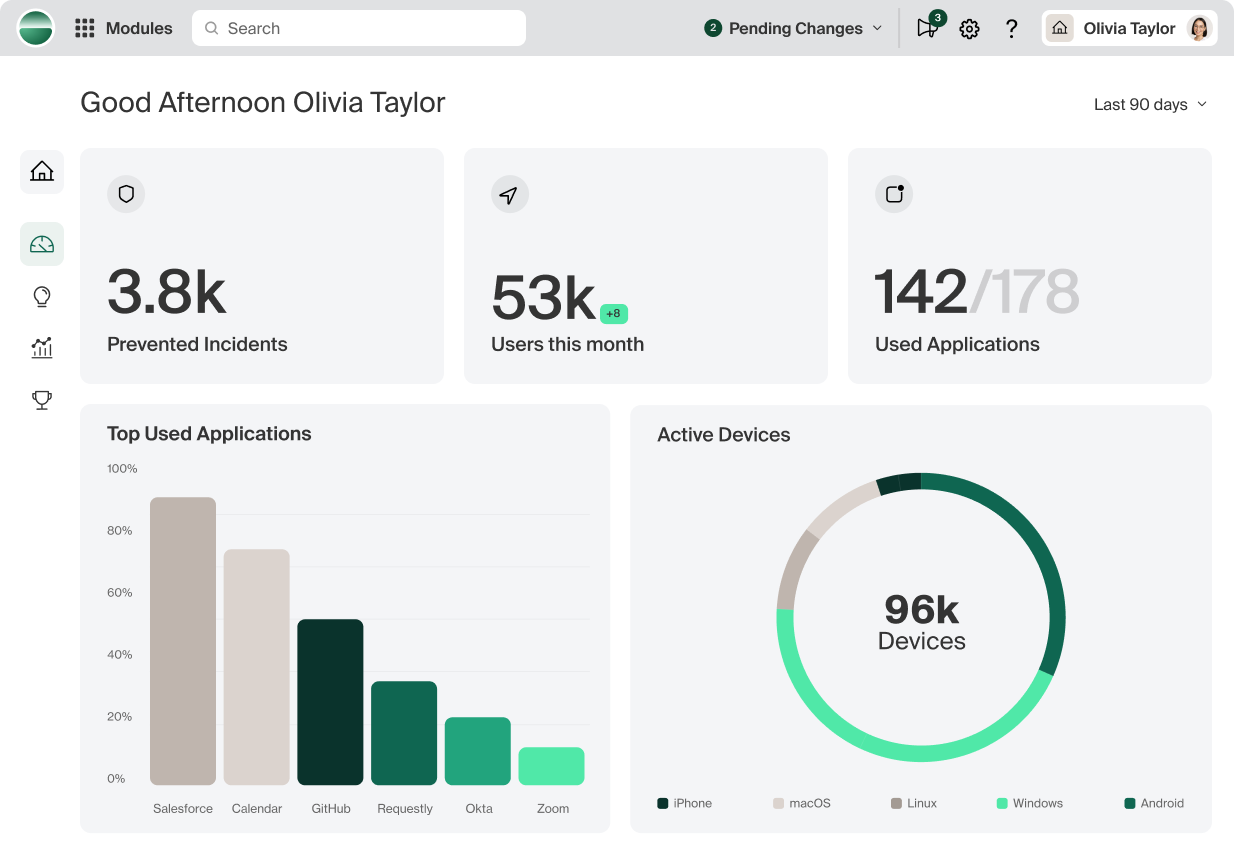
- See real work patterns
Understand activity in work apps so you can guide habits and improve output.
- Keep usage simple
One clear way to sign in, open work apps, and get things done.
Ask your IT provider about setting up a short pilot.
Why this Matters Now
You already moved apps and data to the cloud with Microsoft 365, Google Workspace, and other web tools. These apps are designed for the browser. Consumer browsers were built for surfing. Island is a browser built for work, so your people can work from anywhere with the guardrails you expect.
Work-Only Path
Open the work browser for work. Personal apps stay personal.
Policies Live in the Browser
Rules apply only inside Island, not the whole device.
Keep Data Where it Belongs
Prevent downloading sensitive files to personal storage and guide saves to company locations.
Simple for Everyone
Clear sign-in, familiar app windows, and no invasive software installs.
Ask your IT provider to include a BYOD pilot user.
Island Browser Overview

Deep Dive into Island

Safe BYOD with Island

The Modern Alternative to VDI
Learn Why Island is Important for the Enterprise
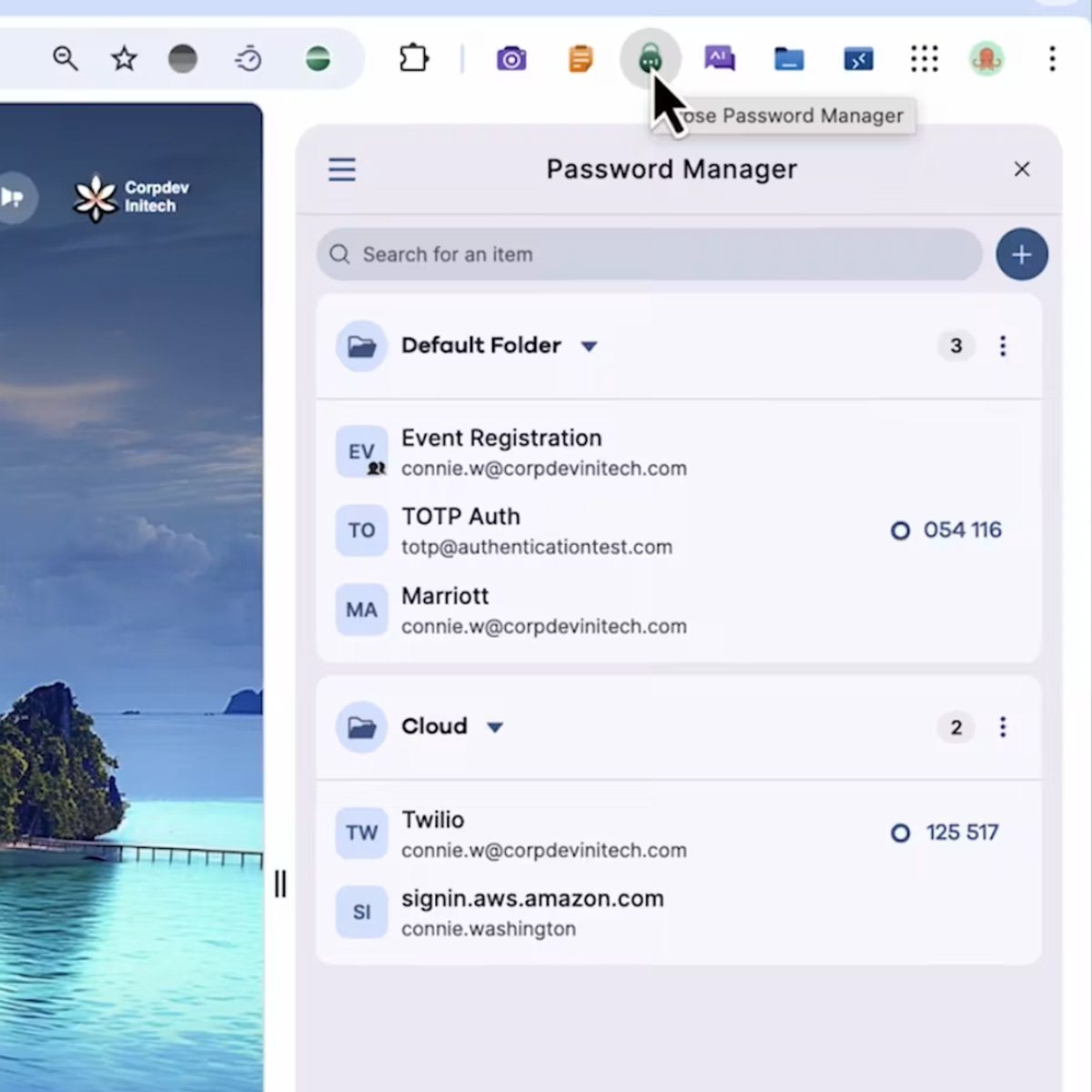
End User Productivity with Island
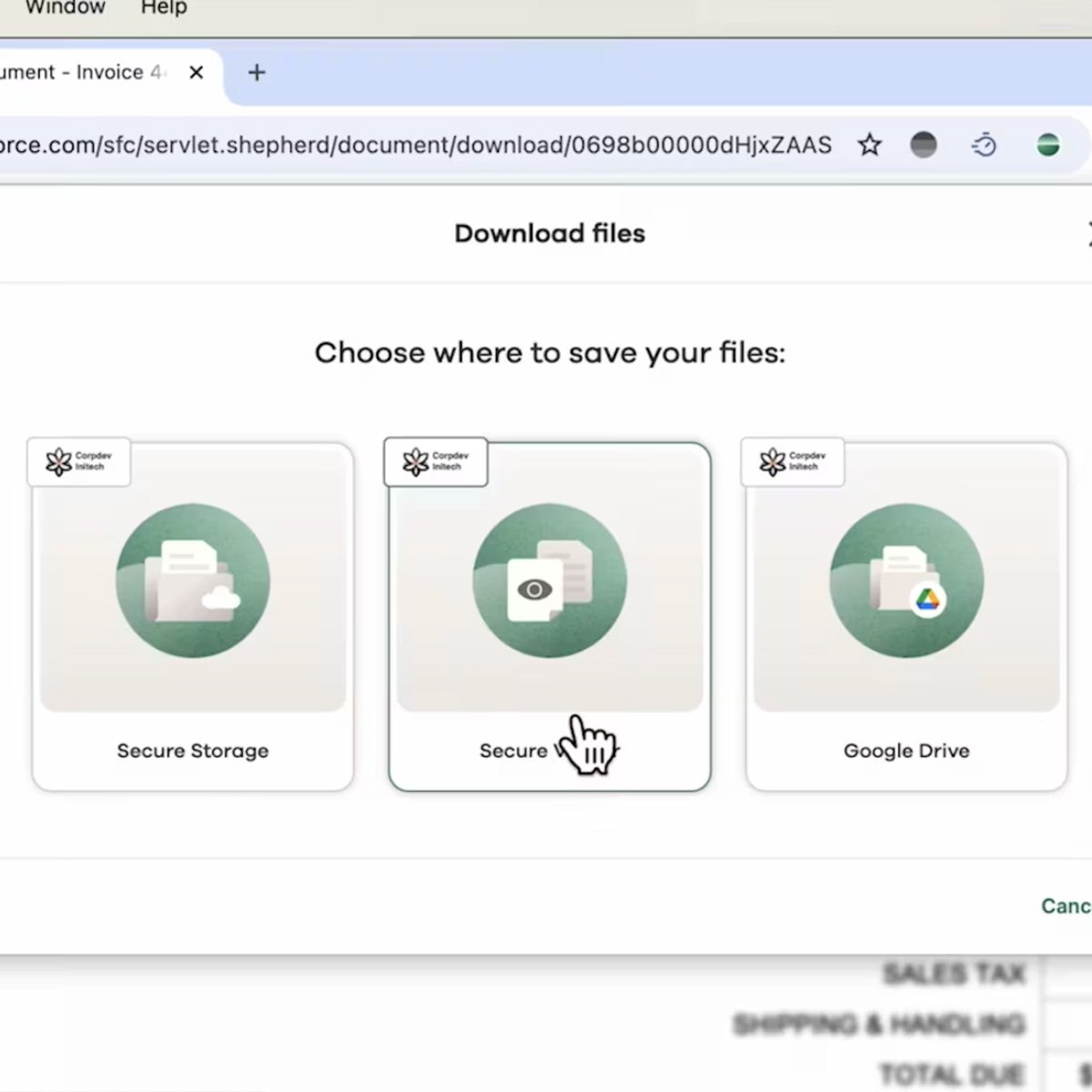
Secure Application Access with Island

Mergers and Acquisitions with Island
Familiar on Day One
Island is built on the same core technology as Chrome and Edge, so it feels familiar. It supports the same extensions your team knows. Your IT provider can allow the ones you want and block the ones you do not.
Island can open tools like Outlook, Teams, Word, Excel, PowerPoint, QuickBooks Online, and many web apps in dedicated app windows that look and launch like desktop apps while following your rules.
Most users experience faster performance than heavy desktop apps, especially on older machines.
Works Great with What You Use
Microsoft 365 including Outlook, Teams, Word, Excel, PowerPoint, OneDrive, SharePoint
Google Workspace including Gmail, Drive, Docs, Sheets, Meet
Industry web apps across finance, healthcare, professional services, retail, logistics, construction, legal, and more
If it runs in a browser, Island lets your IT provider guide how people sign in and how data is handled while they work.
Microsoft Office Apps with Island
QuickBooks Online with Island
Extend device life
Older hardware often feels fast again and refresh cycles can be delayed.
Spend less on new devices
Buy simpler hardware without paying for heavy specs or extra software.
Reduce bloat and issues
A focused device means fewer slowdowns and fewer surprises.
Lower risk and cost
Fewer extras that expand attack surface and drain resources.
Right fit for ownership
Great for company-owned devices. Contractors typically use Island Browser on their own machines.
Protect data where work happens
As people work in Island, clear rules guide access and data handling.
- Choose who can reach which apps from which devices and locations
- Keep sensitive files in company storage and approved locations
- Encourage approved AI and SaaS tools and limit unsanctioned ones
- Record key events so issues can be reviewed and addressed
Even if some roles still need desktop software, Island adds value for the rest of their work in the browser.
Ask your IT provider to include your key apps in the pilot.
See work patterns and improve output
Work-only visibility tied to the work browser helps you coach with facts, not guesswork.
- Understand which work apps people use and for how long during work hours
- Spot bottlenecks, frequent error paths, and process slowdowns to fix what matters
- See adoption of approved tools and reduce time spent in unsanctioned sites
- Track starts, stops, and idle time in the work browser to support scheduling
- Compare teams and roles to identify training needs and best practices
Ask your IT provider to show sample reports during the pilot.
Privacy and healthcare
HIPAA, GDPR, CCPA
Financial and regulatory
Government and defense
CMMC, NIST 800-171
Security frameworks
SOC 2, ISO 27001, NIST CSF
Collaborate on a Pilot Island
Pilot Island with a small group for everyday work.
Test-Drive IslandOS
Simplify Without Compromise
Keep what you need. If a few roles need desktop apps, keep them and still simplify for everyone else.
Most pilots take under a week from request to results.
Ask your IT provider to set up a short pilot.
Note: Security outcomes vary by configuration and use. Your IT provider will tailor rules to your requirements.