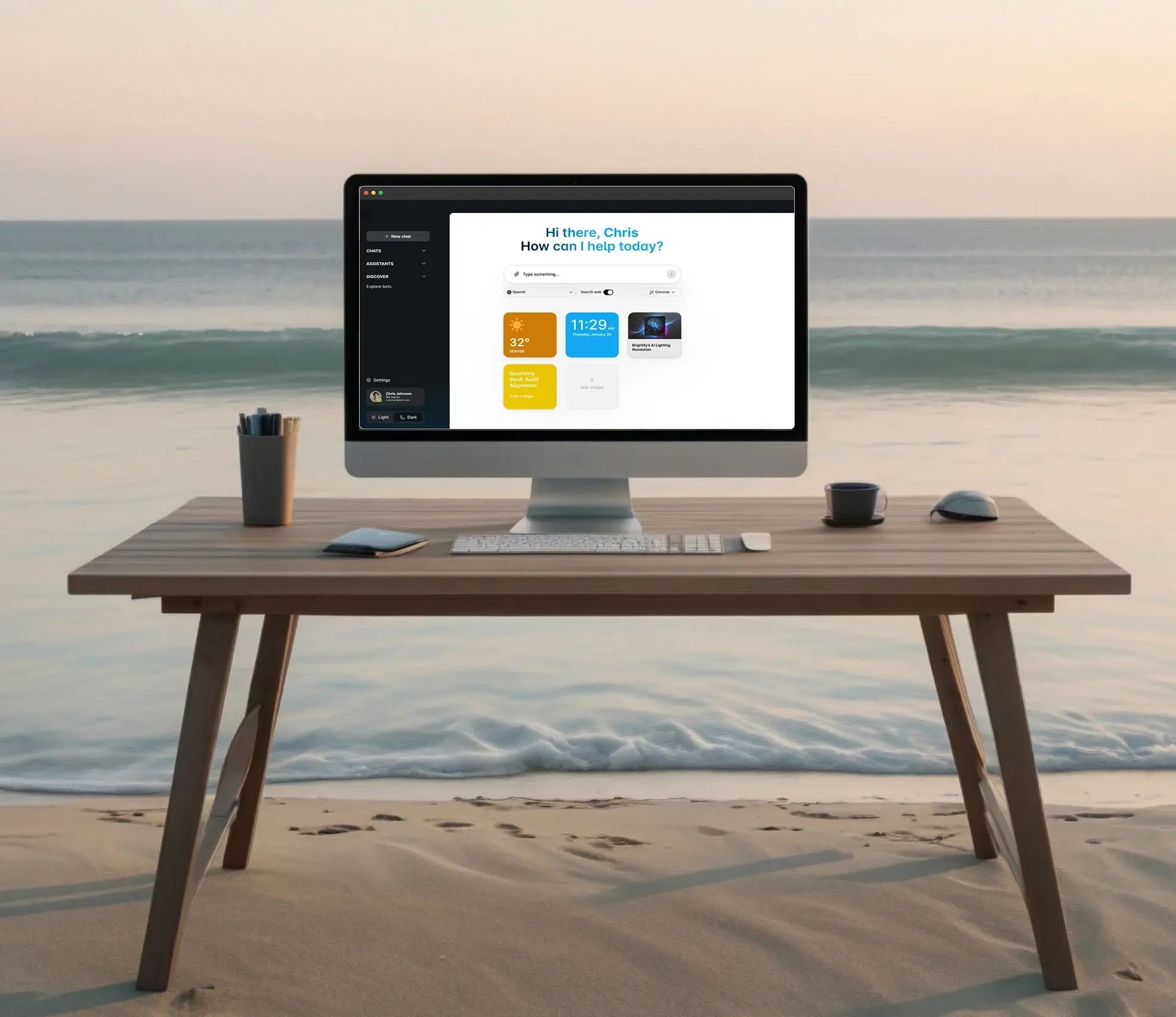
Secure AI Workspace
Give your team safe access to the AI tools they already want, with guardrails designed to prevent sensitive data from being sent into those models.
AI is Already in
Your Business
Even if it’s only a few people, someone’s using AI to draft emails, summarize documents, rewrite client messages, or clean up spreadsheets.
When AI is Unmanaged,
You Carry the Risk
Client trust, reputation, and liability are on the line. And you miss out on the productivity your team could get if AI were provided right way.
Common approaches to AI
Allowing public AI tools creates data paths you can’t consistently govern.
Doing nothing leaves you guessing while usage expands.
A Secure AI Workspace gives you the better option: yes to AI, no to unmanaged AI.
If this sounds familiar, you’re not alone
Allowing public AI tools creates data paths you can’t consistently govern.
Doing nothing leaves you guessing while usage expands.
A Secure AI Workspace gives you the better option: yes to AI, no to unmanaged AI.
Common ways risk shows up
A contract draft gets rewritten in a public tool, creating confidentiality risk.
A legal matter summary or notes get pasted in, creating confidentiality and privilege risk.
Patient messages get drafted with PHI, creating HIPAA exposure.
A sales proposal gets drafted using customer details that shouldn’t leave the business.
A support issue gets summarized with screenshots or logs that include credentials or sensitive data.
A leadership update includes revenue, pricing, or forecasts that were never meant to leave the company.
Internal HR details get copied into a tool to write a sensitive email.
What is a Secure AI Workspace?
A Secure AI Workspace is a company-controlled AI platform your IT provider can deliver to your business, manage for you, and support over time.
- It gives your team one approved place to use AI for real work.
- It’s designed to prevent sensitive data from being sent into public AI models, with the right policies in place.
- It gives you clearer oversight into how AI is being used across the business.
- It helps you get more value from AI with a safer, more consistent way to work.
If your IT provider already offers a Secure AI Workspace, they can help you get started.
If they don’t, they can usually add it quickly.
And if you don’t have an IT provider today, you can still get access through a recommended provider.
Read the white papers
The Shadow AI Problem: A White Paper
A helpful guide to reducing unmanaged AI use across personal accounts, browser extensions, SaaS AI features, meeting tools, and agents. Learn how to make the approved AI path easier, safer, and more visible.
Why Every Business Needs a Secure AI Workspace
A helpful guide to using generative AI without losing control of sensitive data. Learn why “training off” is not enough, why blocking AI often fails, and how a governed AI workspace gives employees one approved place to work safely.
Your team still gets the best AI tools
- ChatGPT and models from OpenAI
- Claude and models from Anthropic
- Perplexity for research and answers
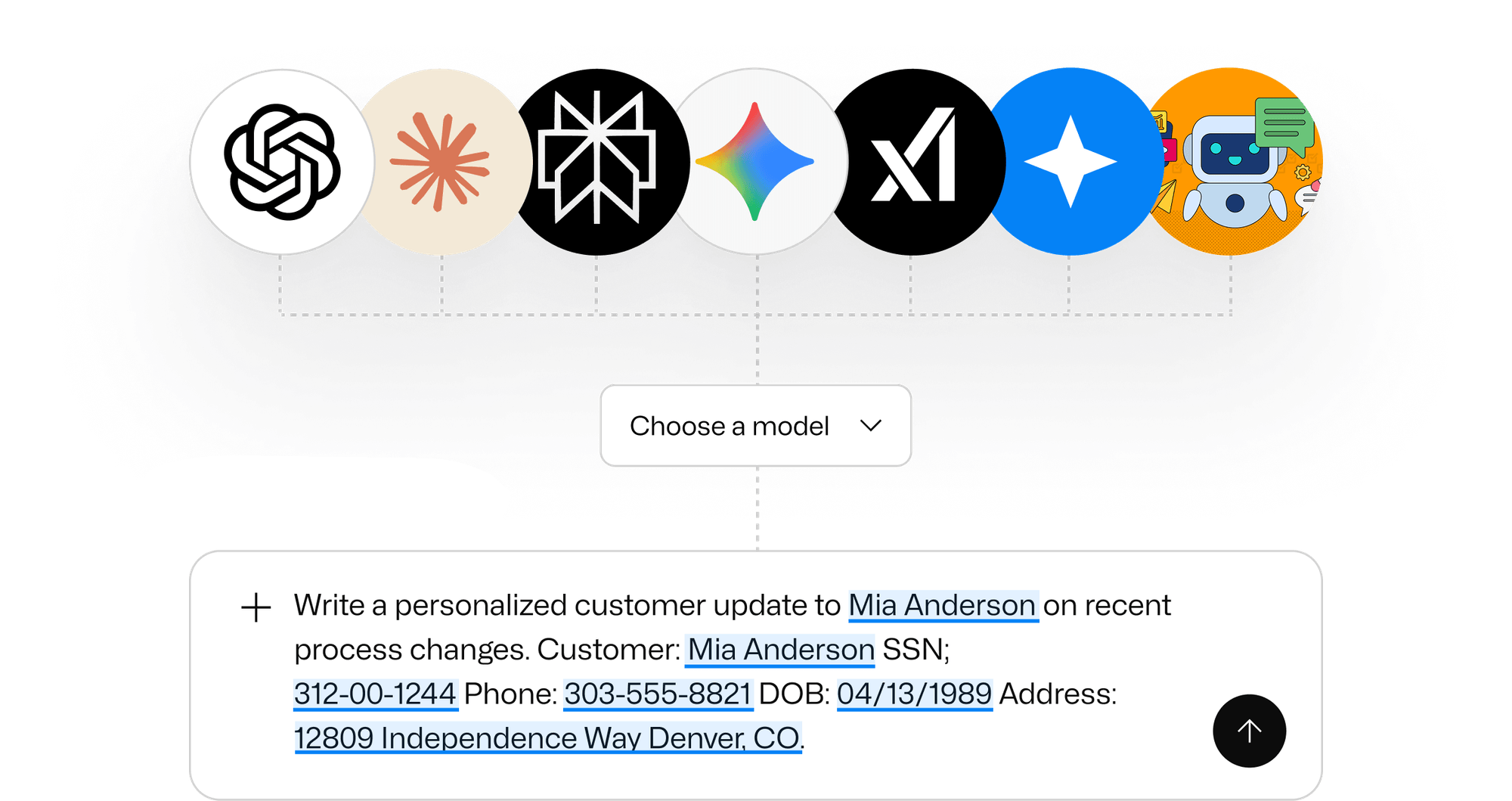
- Models from Google and other top providers
Replace separate AI subscriptions with one workspace
Guardrails that protect the business without disrupting your team
Spot sensitive data before it’s sent
Help detect PII, PHI, PCI, client confidentiality data, and other sensitive business details.
Automatically protect what matters
With the right policies in place, sensitive content can be masked, redacted, or blocked before it reaches an AI model.
Keep the experience smooth for users
Your team can keep working the way they work, while the workspace handles protection behind the scenes.
Create a safer default for everyone
People can use AI with more confidence because the workspace is designed for business use, not consumer use.
Why your people will actually use it
It’s easier than juggling tabs and accounts
One approved place for AI work removes confusion and makes adoption simpler.
It supports everyday work
Drafting, rewriting, summarizing, planning, and answering questions in one workspace.
It’s more flexible than a single AI tool
Use the best model for the task, and switch models when you need a different style or strength.
It keeps work clearer and reduces mix-ups
Organize AI work by department or project so teams stay aligned and mistakes are less likely.
Where teams often see real ROI
Draft client emails and responses more efficiently
Turn rough notes into clear messages without starting from scratch.
Summarize long content into next steps
Meetings, threads, documents, and updates become action items.
Explain complex topics in plain language
Helpful for customers, patients, clients, and internal teams.
Create first drafts that save time
Policies, SOPs, training materials, proposals, and templates.
Standardize repeatable work
Checklists and templates help reduce rework and inconsistency.
Think in terms of payroll and throughput
If AI helps your team work 10% more efficiently, that’s meaningful. For some roles and workflows, it can be much more.
AI is ready for business, when it’s done the right way
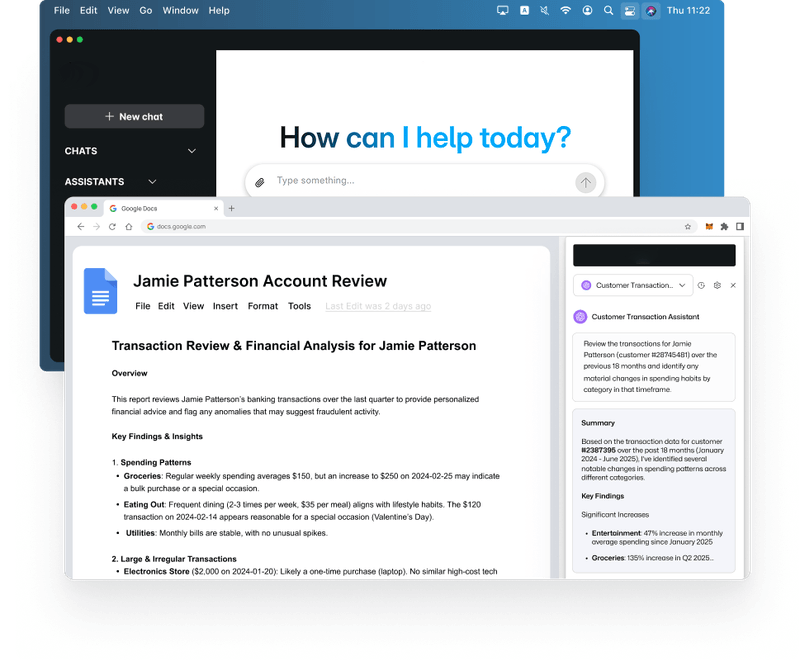
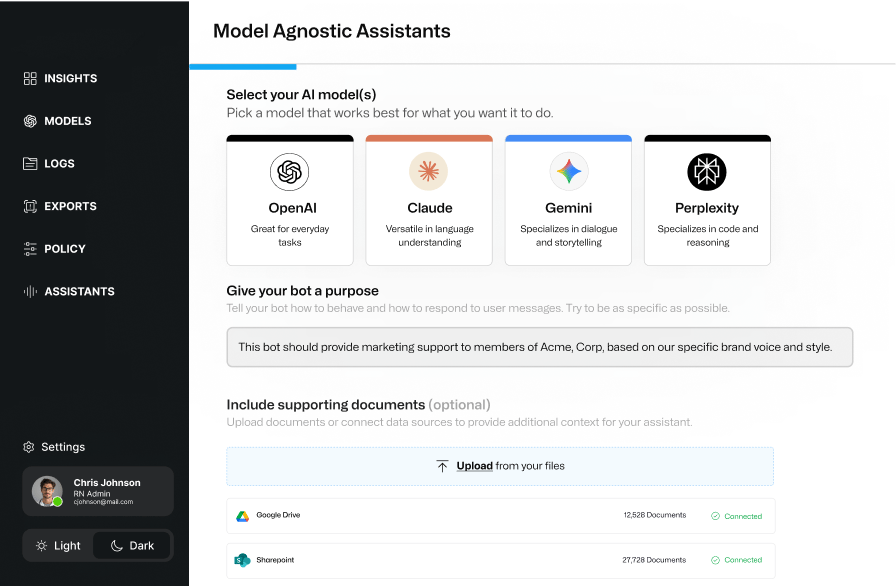
Custom assistants your team can share
Turn common tasks into assistants your team can reuse
Great for proposals, onboarding, internal documentation, and client updates.
Use one assistant for drafting, another for review
Draft with a creative assistant, then switch to a critical assistant to tighten clarity and reduce mistakes.
Choose the best model for the job
Use OpenAI, Claude, Gemini, or Perplexity depending on what you need.
Keep results more consistent
Give each assistant a clear purpose and approved reference materials when needed.
Connect AI to the way your business works
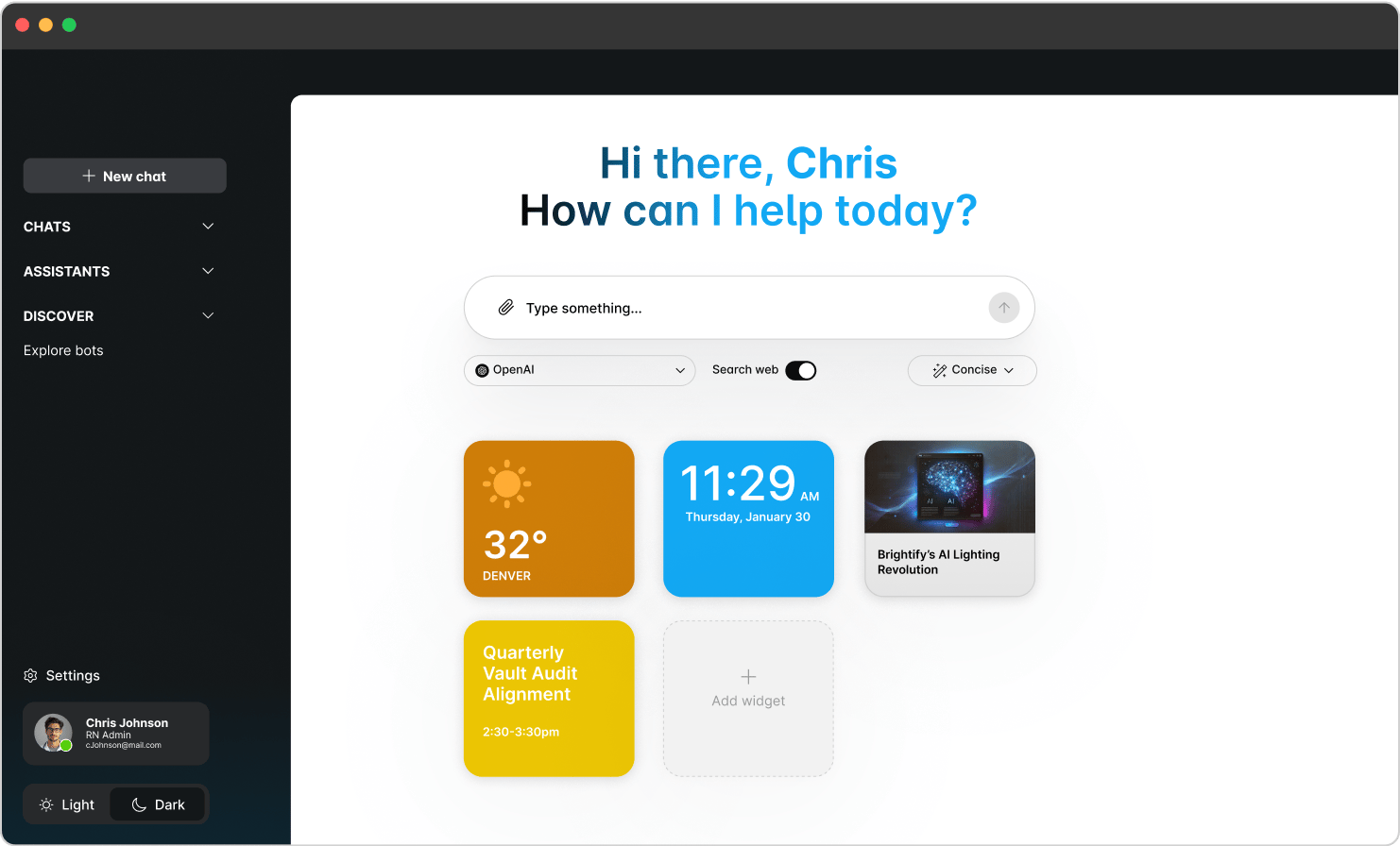
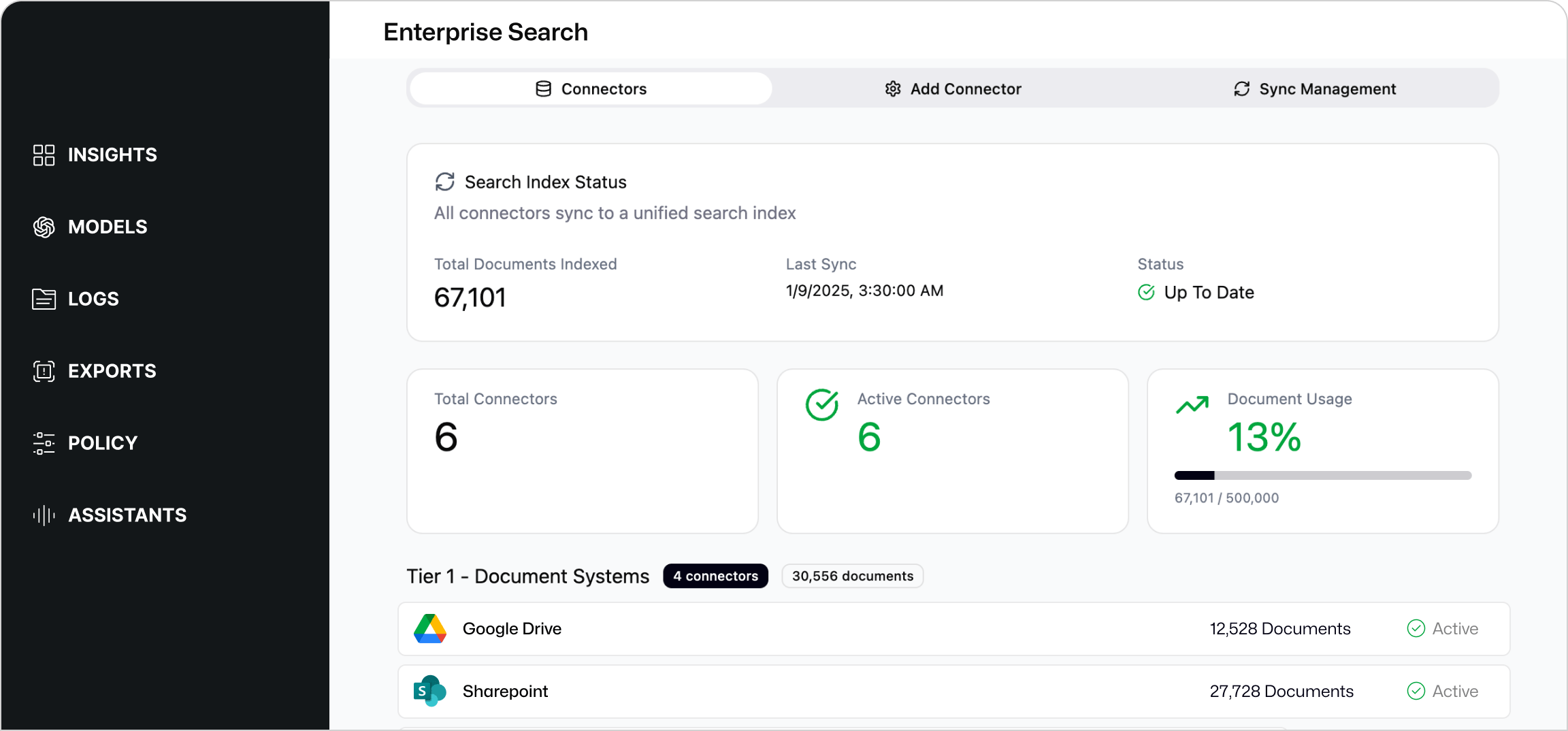
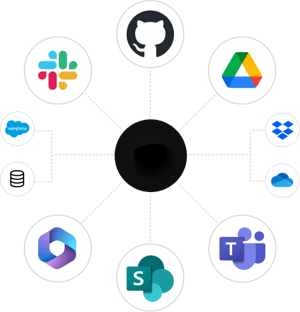
A Secure AI Workspace gives employees one approved place to use AI for everyday work, while allowing AI to connect with approved business systems, knowledge sources, and workflows.
Use approved business knowledge
Connect policies, procedures, templates, playbooks, project details, and other trusted sources.
Control what AI can access
Admins decide which systems are connected, which capabilities are enabled, and who can use them.
Start with high-value workflows
Connect the systems, knowledge sources, or workflows that create the most value for your team.
Help users get work done
Let users find information, use approved templates, and take supported actions from one secure workspace.
Why this is best delivered through your IT provider
Your IT provider already supports your systems, security, and users, which is why they’re in the best position to deliver this the right way.
They can help set the right policies
Guardrails should reflect how your business handles sensitive data.
They can help your team get value from AI
Enablement, clear guidance, and adoption support are just as important as the platform.
They can keep it maintained over time
AI changes quickly, and your guardrails need to stay current.
They can help you stay ready for questions
When leadership, partners, or regulators ask how AI is being used, you’re in a better position to answer.
If you don’t have an IT provider today, you can still get this through a recommended provider.

For internal IT and security leaders
This section is for your internal CIO, CISO, IT Director, or IT team.
Model access control
Choose which models are approved and who can use them.
Policy-based controls
Set rules for sensitive data types and apply them consistently.
Audit-ready records
Maintain logs that support internal reviews and compliance efforts.
Usage visibility
See how AI is being used across the organization so you can manage risk and adoption.
Approved system connections
Connect approved systems, knowledge sources, and workflows with admin controls, role-based access, and audit-ready activity records.
.webp?width=1482&height=895&name=68c35e82009824c6d5c2490e_4%20(3).webp)
Next Steps
If you already have an IT provider, share this page and ask if they offer a Secure AI Workspace.
If they don’t offer it today, ask them to add it so your team can use AI safely and consistently.
If you don’t have an IT provider, use the form below and we’ll help connect you with a recommended provider.
If you’re an IT provider and a client shared this page with you, use the form to request provider onboarding details.
FAQ's
No. It’s designed to help your team work more efficiently with AI, while keeping the business safer.
It’s safer to avoid public AI tools than to allow unmanaged use. But saying no to AI entirely can leave real efficiency and competitive advantages on the table. The better answer is approved AI with guardrails.
No. The value is the workspace, not a single model. You can use multiple leading models and adapt as the market changes.
In many cases, no. A Secure AI Workspace can give your team access to multiple leading AI models in one approved place, reducing the need for separate AI accounts across the business.
Rollout is straightforward. Getting great adoption is where your business and your IT provider can align on enablement, so your team gets the most out of secure AI.
Yes. You can approve which models are available and set access by role or team.
It helps apply guardrails, visibility, and more consistent data handling for AI use, including policies designed to detect and protect sensitive information before it reaches AI models.
Yes. Use the form on this page to request provider onboarding details and next steps.
Yes. A Secure AI Workspace can connect with approved business systems, knowledge sources, and workflows so users can find information, use approved templates, and take supported actions from one secure place.
Yes. With the right policies in place, sensitive content can be detected and protected before it reaches an AI model, including options to mask, redact, or block certain information.
Ready to Enable AI, Safely?
Empower productivity with a secure AI workspace designed to prevent sensitive information from being shared while helping your team stay productive.